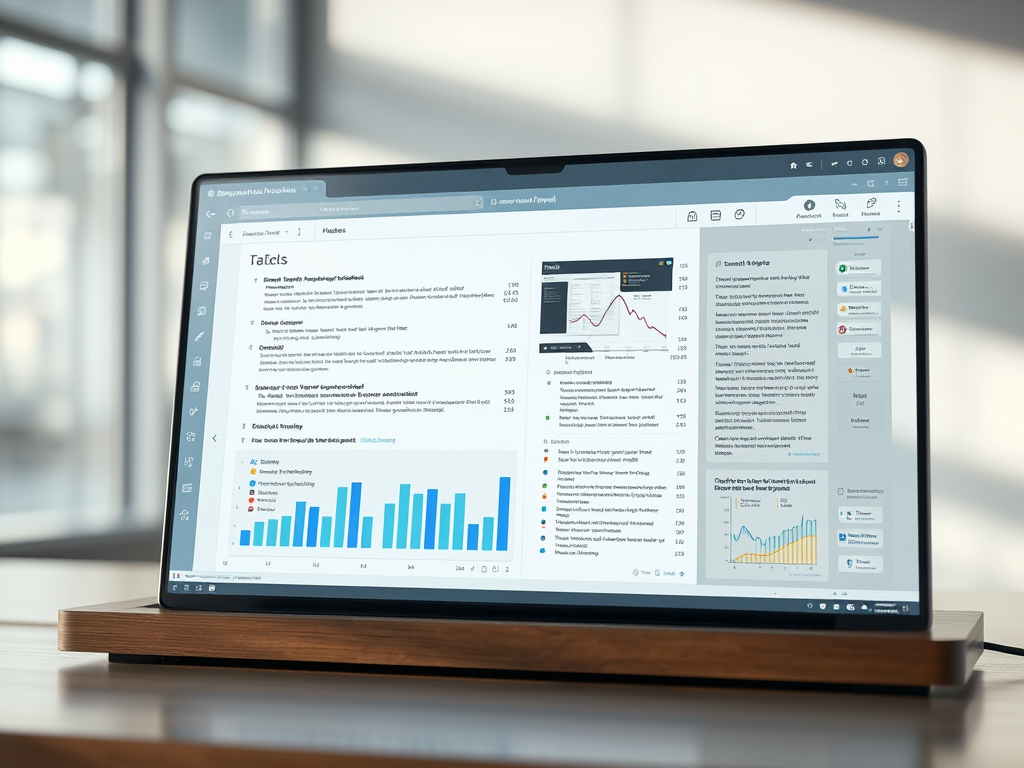

Meet 𝐀𝐧𝐬𝐰𝐞𝐫𝐓𝐡𝐢𝐬—a tool that extracts data in seconds.
Here is how it works.
1. Go to https://lnkd.in/d3kqBK6J and log in
2. After logging in, click on 𝐸𝑥𝑡𝑟𝑎𝑐𝑡 𝑑𝑎𝑡𝑎
3. Then click on 𝑈𝑝𝑙𝑜𝑎𝑑 𝑃𝐷𝐹 and upload your papers
4. These are the papers from which you want to extract data
5. After uploading papers, select data you want to extract.
6. The predefined options are
– Key findings
– Research gaps
– Methodology
– Limitations
– Future work
– Contributions
– Practical implications
7. You can also extract custom data e.g., the dataset used.
8. For example, I want to extract methodology used in these papers
9. I selected Methodology and clicked on 𝐴𝑑𝑑 𝐶𝑜𝑙𝑢𝑚𝑛
10. Answer This extract data about methodology used in the papers
11. You can change data view from normal to Table View
12. For this, scroll back to top and click on 𝑇𝑎𝑏𝑙𝑒 𝑉𝑖𝑒𝑤
13. Now for instance, you want to extract more data from these papers
14. Go back to the top and click on 𝐸𝑥𝑡𝑟𝑎𝑐𝑡 𝑑𝑎𝑡𝑎
15. Select the data type you want to extract
16. For example, I want to extract data about future work
17. So I click on 𝐹𝑢𝑡𝑢𝑟𝑒 𝑊𝑜𝑟𝑘 and then clicked on 𝐴𝑑𝑑 𝑐𝑜𝑙𝑢𝑚𝑛
18. AnswerThis extracted data about future work from the papers
19. After extracting the desired data, you can export it
20. Select the data you want to extract
21. Then click on 𝐸𝑥𝑝𝑜𝑟𝑡 𝑑𝑎𝑡𝑎
22. Your data will be exported in CSV format
You can then analyze this data for your literature review
Try AnswerThis today: https://lnkd.in/d3kqBK6J